ÖDEME
Ödeme, katalogla aynı akışta olmalı — gelir siparişin yanında görünmeli, ayrı bir hunide kaybolmamalı.
Gerçek e-ticaret gibi çalışan ödeme — sonradan eklenmiş form değil.
Kontrol panelinde Stripe veya iyzico'yu bağlayın, bölgenizin desteklediği yöntemleri açın ve tamamlanan ödeme işlemlerinin, mağazanızla aynı çalışma alanından yerine getirebileceğiniz, iade edebileceğiniz ve mutabakat sağlayabileceğiniz siparişler oluşturmasına izin verin; böylece canlı ödeme almaya gerçekten hazır olduğunuzda net bir sıra elde edersiniz.
ÖDEME HAZIRLIĞI
Oran, yöntem ve hakediş için kaynak ödeme kuruluşunuzdur — Arkezone checkout’u siparişe bağlar.
- 01
Ödemeyi kur
Panelde onboarding; hakediş uygun olana kadar.
- 02
Yöntemleri aç
Hesabınızın ve bölgenizin destekledikleri.
- 03
Test siparişi
Üretimle aynı mağaza adresleri.
- 04
Checkout hazır
Ödenen sepetler tek operasyon akışında sipariş olur.
ÖDEME
Sipariş gerçekliğine bağlanan markalı bir ödeme adımı
Alıcılar alışveriş sepetlerini vitrininizde tamamlar; Başarılı ödemeler, başka bir üründeki artık işlemler değil, sipariş karşılama ekibinizin üzerinde işlem yapabileceği SKU'lar, satır öğeleri ve müşteri bağlamı oluşturmalıdır.
Gönderim ve siparişleri keşfedin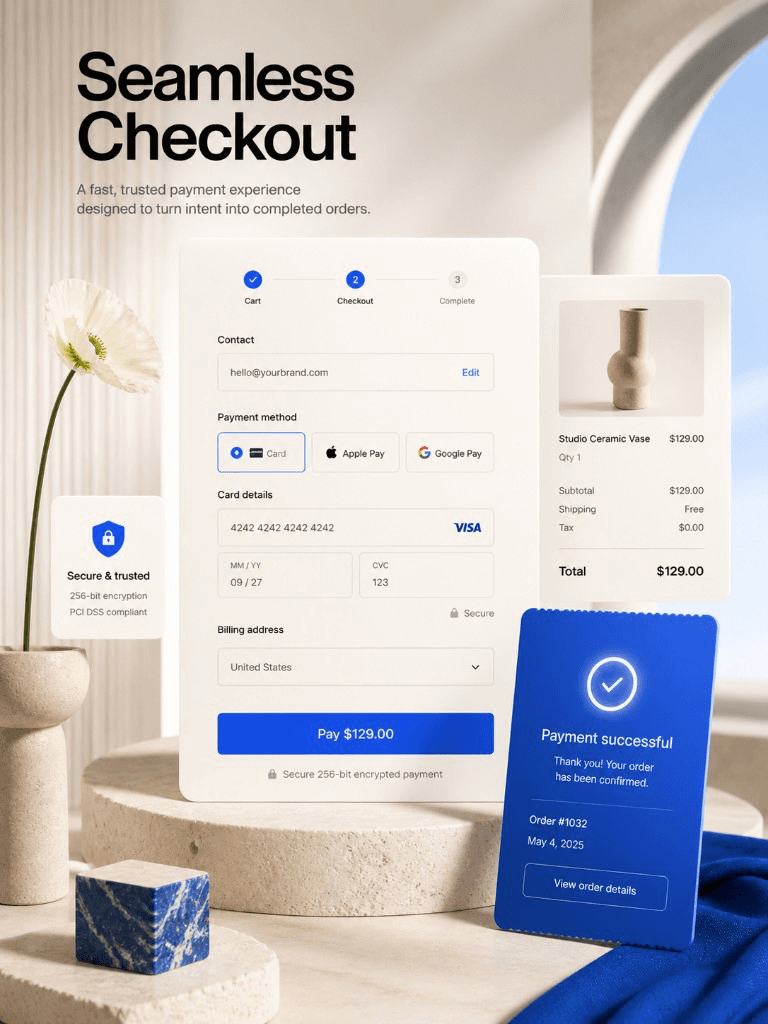
00Kanıt
Ödeme ekran görüntüsü sırada
Eski pazarlama görselleri farklı yüzeyleri aynı çerçevede gösteriyordu. Gerçek Connect/onboarding kırpımı gelene kadar metin odaklı ilerliyoruz.
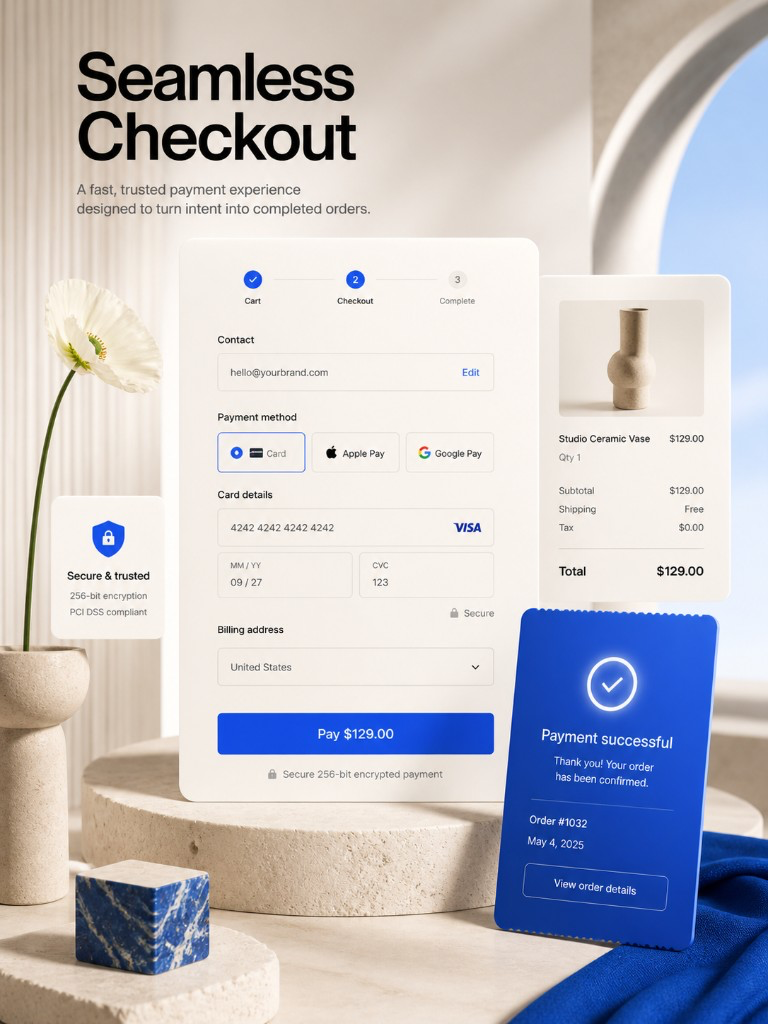
Alıcı ödeme adımı için pazarlama kompoziti — canlı hosted-fields görüntüsü gelene kadar. Satıcı arka ofisi değildir.
Ödeme yolu
Ödemeye hazır olma → dürüst poliçe kopyası → kanıt emri
Ödemeyi
Ödemeyi kur
Hesabınız için ödemeler mümkün olana kadar ticaret çalışma alanında katılımı tamamlayın; ödeme sağlayıcı kontrol paneliniz uyumluluk ve oranlar gerçeğin kaynağı olmaya devam eder.
Politika
Politika ve metinleri uyumla
Alıcıların tutarlı bir hikaye görmesi için geri ödeme, gönderim ve iletişim mesajlarını ödeme sayfasında görüntülenenlerle uyumlu hale getirin.
Test
Test siparişiyle doğrula
Ücretli trafikten önce ürün sayfasını → sepet → ödeme → siparişi test modunda (veya küçük bir canlı test) çalıştırın; müşterilerinizin kullanacağı URL'lerin aynısı.
The problem
Dağınık ödeme operasyonu bozar
Ödemeler bağlantısız bir dönüşüm hunisinde yaşadığında temiz sipariş geçmişini, vergi netliğini ve "Paketim nerede?" sorusunu yanıtlama yeteneğinizi kaybedersiniz. üç sistemi açmadan.
How Arkezone helps
Ödeme, ticaret akışına gömülü
Arkezone, alıcıları, ekibinizin halihazırda sipariş karşılama için kullandığı aynı siparişleri, e-postaları ve kontrol panellerini besleyen ödeme yoluyla yönlendirir.
OPERASYON GERÇEKLİĞİ
"Ödeme siparişleri oluşturur" özelliğinin kilidini açtığı şey
Stripe ve iyzico yerleşik
Global kart rayları için Connect Stripe veya Türkiye için iyzico - ayrı bir ödeme ürünü olmadan markalı ödeme işleminizde kartlar, cüzdanlar ve taksitler.
Alıcı güven sinyalleri
Ödeme işlemini politikalar, destek iletişimi ve tutarlı markalama ile eşleştirin, böylece satın alma anının kasıtlı olduğu hissini verin.
Sipariş — kopuk işlem değil
Başarılı ödemeler, satır öğeleri ve müşteri bağlamıyla sipariş yönetimine dahil olur; gönderim ve desteğe hazırdır.
Öngörülebilir platform maliyeti
Lansmanın ortasında başka bir ödeme aboneliği keşfetmek yerine platform ve ticaret ücretlerini birlikte anlayın.
Operasyon dürüstlüğü
“Ekibiniz "siparişim nerede?" sorusunu yanıtlamak için hâlâ üç sistem açıyorsa, ticareti kablolamayı bitirmemişsinizdir; bir açılış sayfasını dekore etmişsinizdir.”
Free themes
Satışa hazır tasarımla başlayın



SIK SORULAN SORULAR
Yayına almadan önce sık sorulanlar
Hangi ödeme yöntemleri destekleniyor?
Müşteriden ücret almadan test edebilir miyim?
Abonelik veya karmaşık faturalandırma?
DİĞER ÇÖZÜMLER
Arkezone ile mağaza açmanın diğer yolları
MAĞAZA İÇİ ÖDEME
Geliri açın, altyapıyı karmaşıklaştırmayın
Ödemeleri ayarlayın, ödeme işlemini uçtan uca prova edin, ardından trafiği davet edin; aynı vitrin HTML alıcıları zaten güveniyor.
ÜCRETSİZ BAŞLA · KART GEREKMEZ · İSTEDİĞİN ZAMAN İPTAL